Conveyor belt damage detection
Conveyor belt damage detection from inspector photos: the AI marks tears, patches and punctures, and the inspector decides.
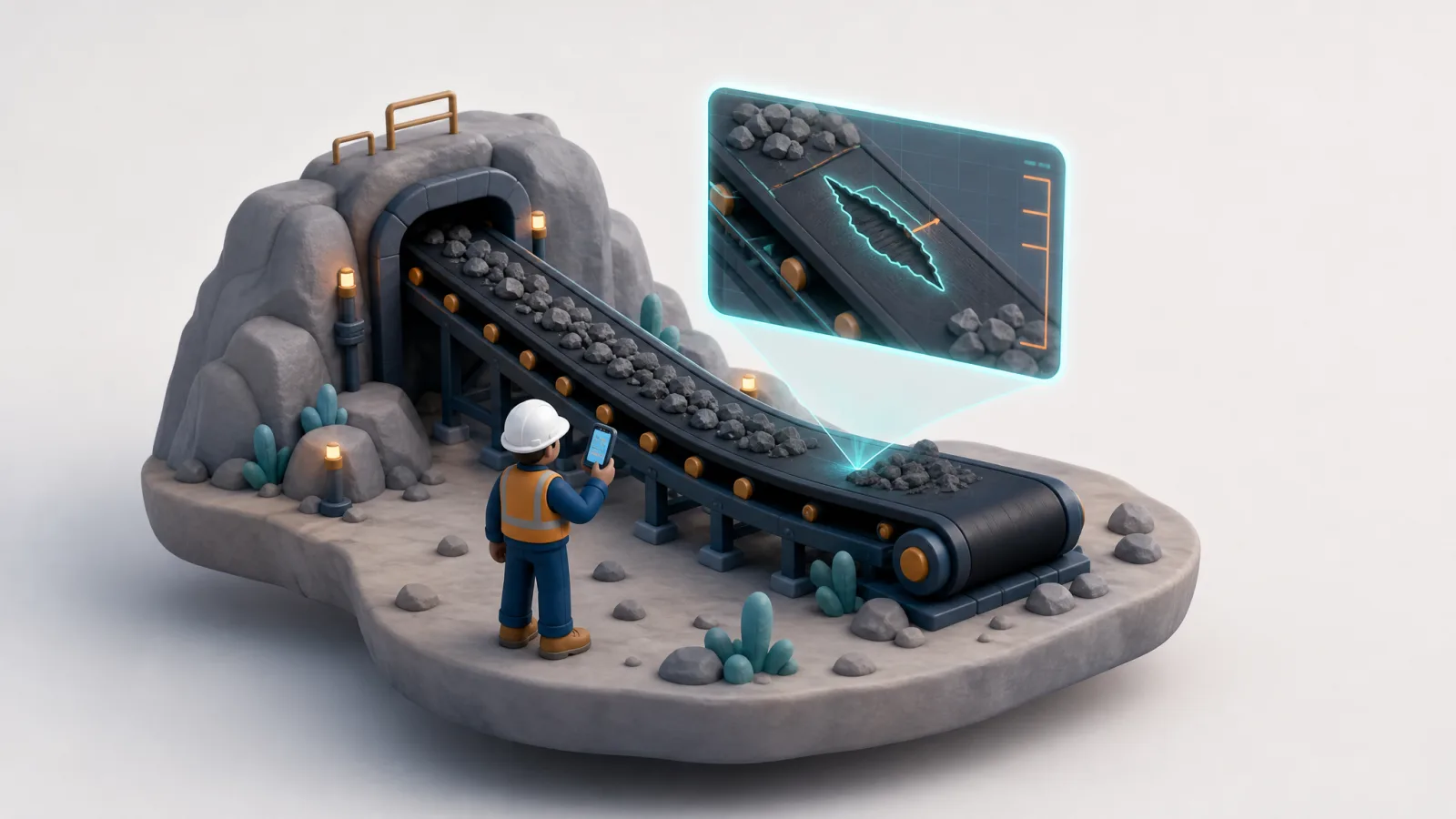
- Damage types marked: tear, patch, puncture
- 3 types
- Decides the level. AI only suggests
- Inspector
- Photos and training stay on your server
- On-premise
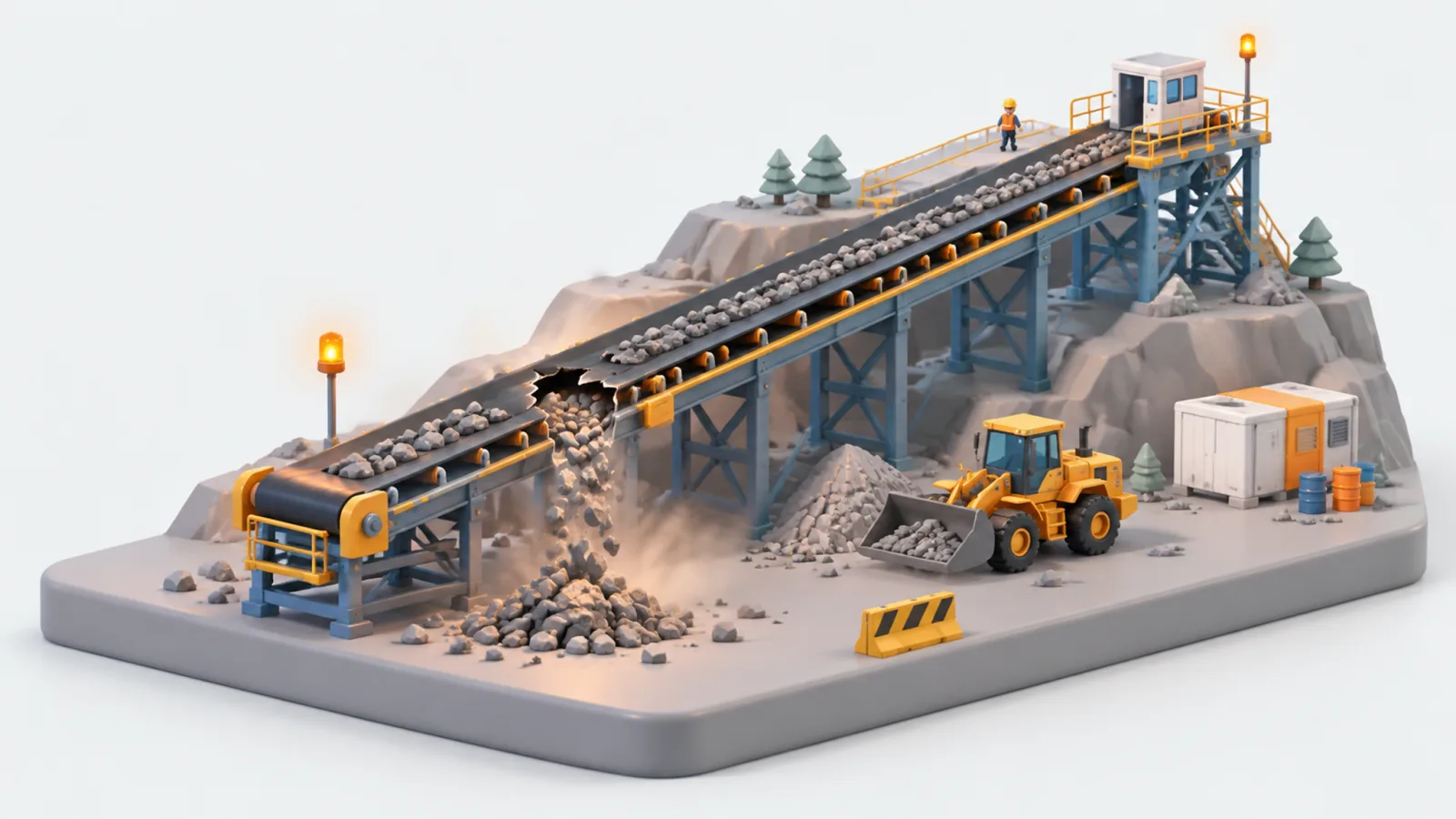
Why is belt damage found late?
Inspectors check long belts by eye. Damage is found late, after it has grown and stopped the line.
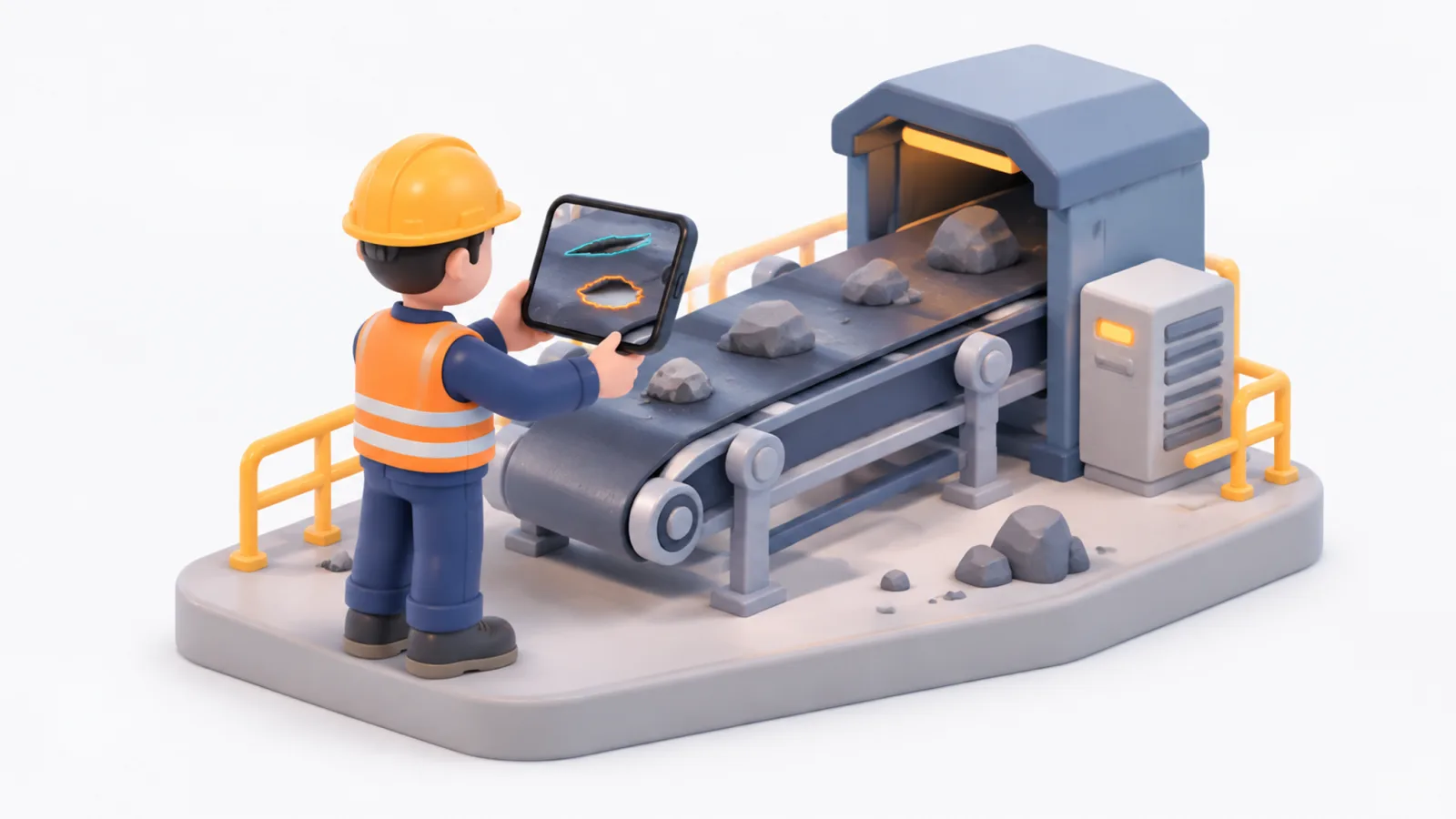
INDUSIA marks damage on every photo
Inspectors take photos, the AI outlines each damage and suggests a level, the inspector confirms.
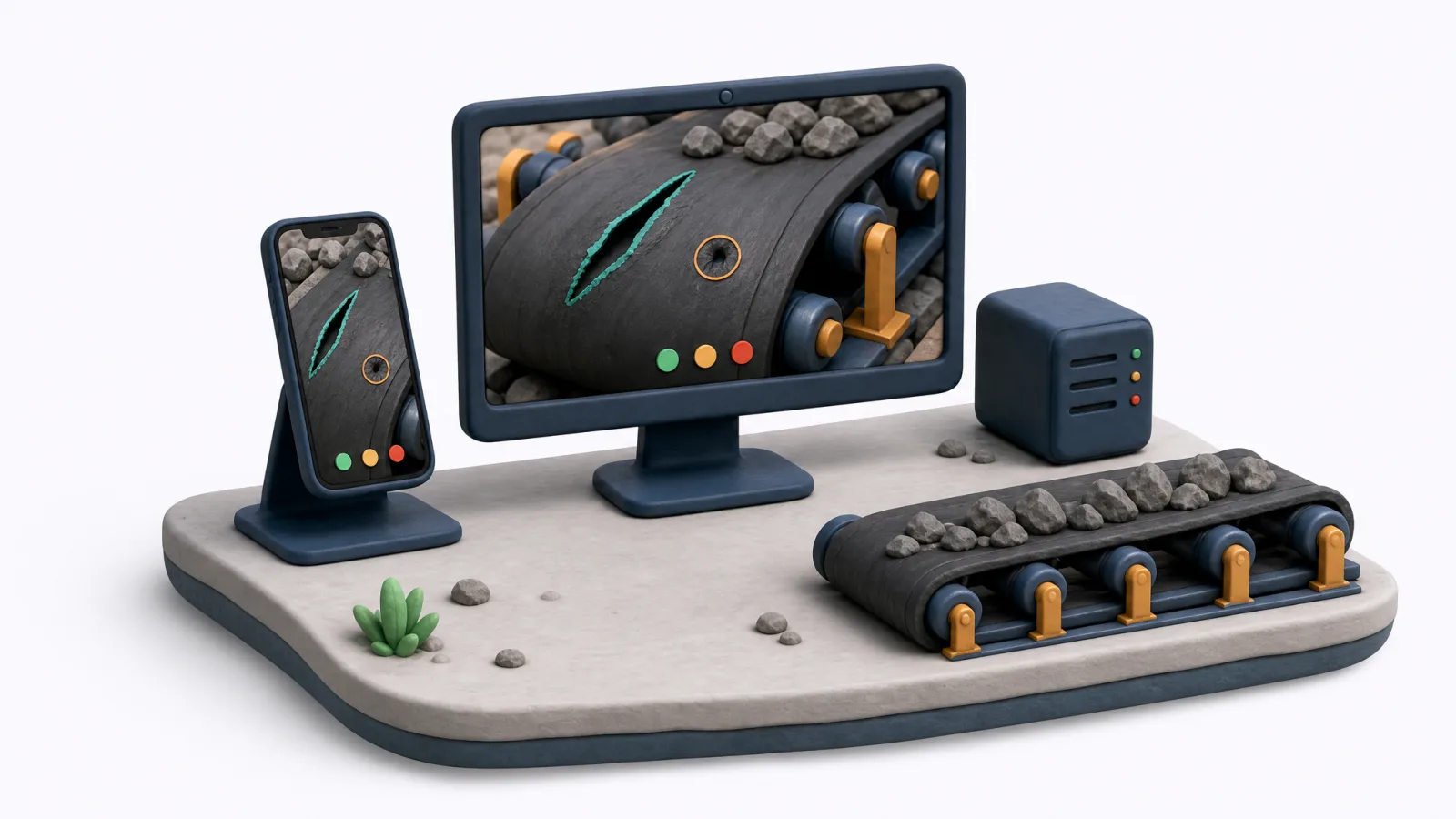
The conveyor inspection app
- Three damage typesTear, patch and puncture marked on each photo.
- Inspector decidesThe AI suggests a level, the inspector confirms.
- Learns from correctionsEvery correction retrains the model.
- Stays on your serverPhotos, labelling and training are on-premise.
How does AI detect conveyor belt damage from photos?
INDUSIA's conveyor belt damage detection works on photos your inspectors already take. The AI draws an outline around each tear, patch or puncture and suggests a damage level. The inspector reviews every outline and confirms or corrects it, so the AI never has the final word on belt condition.
Read more
The outline matters as much as the label. A marked shape shows the inspector exactly where the AI sees damage and how large it is, so a disagreement takes seconds to settle on screen instead of a second trip down the belt.
The model is trained on your own labelled photos. It does not depend on a golden reference of a clean belt, because a belt has no single correct appearance. Each damage type is learned from examples of that damage.
What does the inspector still do, and what does the AI do?
INDUSIA splits the work clearly. The AI finds and outlines damage and suggests a level from the size of the marked area. The inspector owns the decision: they can change the level, and that corrected level is treated as the truth for training and evaluation. Inspection stays a human judgement, with AI doing the first pass.
Read more
In practice the inspector spends time on judgement rather than on searching long photo sets for small defects. Where the AI and the inspector disagree, the inspector's answer is saved and used to retrain the model.
| Step | AI | Inspector |
|---|---|---|
| Find damage on the photo | Outlines each area | Checks the outline |
| Name the damage type | Tear, patch or puncture | Confirms or changes it |
| Set the damage level | Suggests a level | Decides the level |
| Improve the model | Retrains on corrections | Corrections become training data |
How is manual belt inspection different from AI-assisted inspection?
Manual inspection relies on people walking long belts and noticing damage by eye, so small tears can be missed until they grow. With INDUSIA, every photo is read the same way and every damaged area is outlined, while the inspector keeps the final decision. The result is a consistent first pass, not a replacement for the inspector.
Read more
Consistency is the main gain. Two inspectors can describe the same damage differently, while the model applies the same learned rules to every photo. The inspector then reviews a marked result instead of starting from a blank photo.
| Point | Manual by eye | With INDUSIA |
|---|---|---|
| First pass | Inspector scans the belt | AI outlines damage on each photo |
| Damage level | Judged case by case | AI suggests, inspector decides |
| Learning | Stays with each person | Corrections retrain the model |
| Photos | Kept wherever they are saved | Stay on your own server |
How do you prove the model is ready before it is used?
INDUSIA keeps a locked test set: a group of photos that is never used for training. A new model is checked against it before it is promoted, and the results are shown per damage type. Your team can judge the model on its own photos without needing a data scientist.
Read more
The same promotion gate applies on every inspection line built on the platform. A model that does not pass the check is not promoted, and weak damage types are visible in the per-type results rather than hidden in one average.
Synthetic images, if used to help training, are kept out of the locked test set. Only real photos are used for the check.
Where does the system run and what does the report contain?
INDUSIA runs photo storage, labelling, training and inspection on your own server, on-premise. Nothing needs to go to a public cloud service. Each inspection produces a short structured result per part: the fault level, the type of damage and a recommendation, ready for the maintenance team to act on.
Read more
Photos can come in two ways: manual upload by the inspector, or a pull from the inspection app your team already uses. Fixed cameras on the conveyor are not required to start and can be added later.
The conveyor inspection runs on the same Visual Editor platform as PCB inspection, as a separate Mining sector with its own damage types. A user only sees the sector their organisation uses.
Questions and answers
AI for conveyor belt damage detection
INDUSIA's conveyor belt inspection uses AI to mark damage on belt photos. Inspectors photograph the belt, the AI outlines each damaged area and suggests a level, and the inspector confirms or corrects it.
Can AI classify conveyor belt tears, patches and punctures?
Yes. INDUSIA's model marks three damage types today: tear, patch and puncture. It suggests the level, the inspector decides, and each correction retrains the model.
Do we need cameras on the conveyor?
No. It starts with photos your inspectors already take. Fixed cameras can come later.
Who decides the damage level?
Your inspector. The AI suggests, the inspector confirms or corrects, and that correction becomes training data.
Can our photos leave the site?
No. Labelling, training and inspection run on your own server.
Is this the same platform as PCB inspection?
Yes. Mining runs on the same Visual Editor used on PCB lines, with its own damage types.
Updated
Same platform, other sites
Talk to us about your site
Tell us what you inspect. We reply on WhatsApp.