PPE detection camera that locks the machine
A PPE detection camera that locks the machine: ordinary IP cameras see a person, helmet or vest in a danger zone and lock it through the PLC.
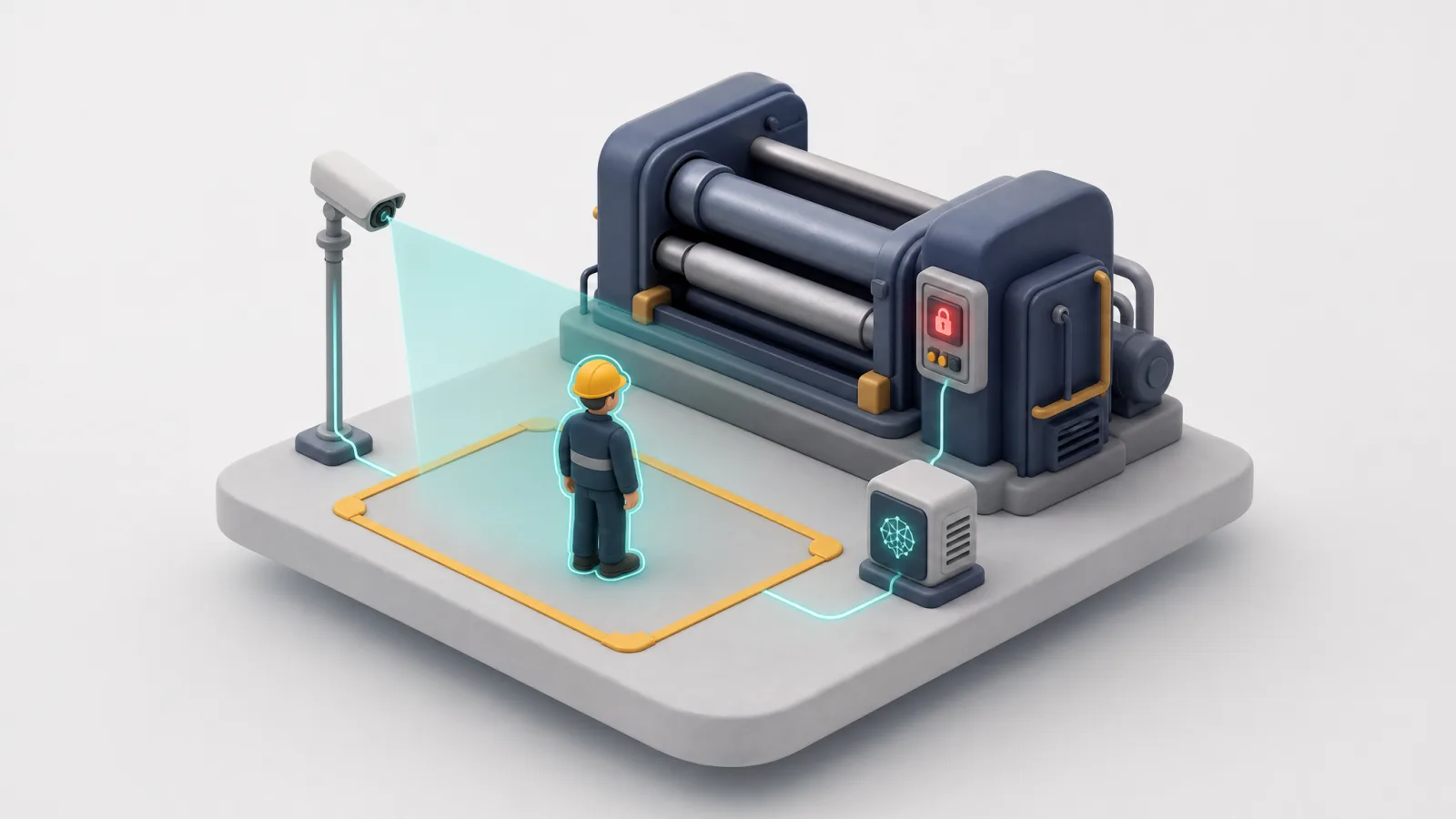
- Person, helmet or vest locks the machine
- 3 signals
- No signal means locked, checked every 2 s
- Fail-safe
- IP cameras, dry contact to the PLC
- Ordinary
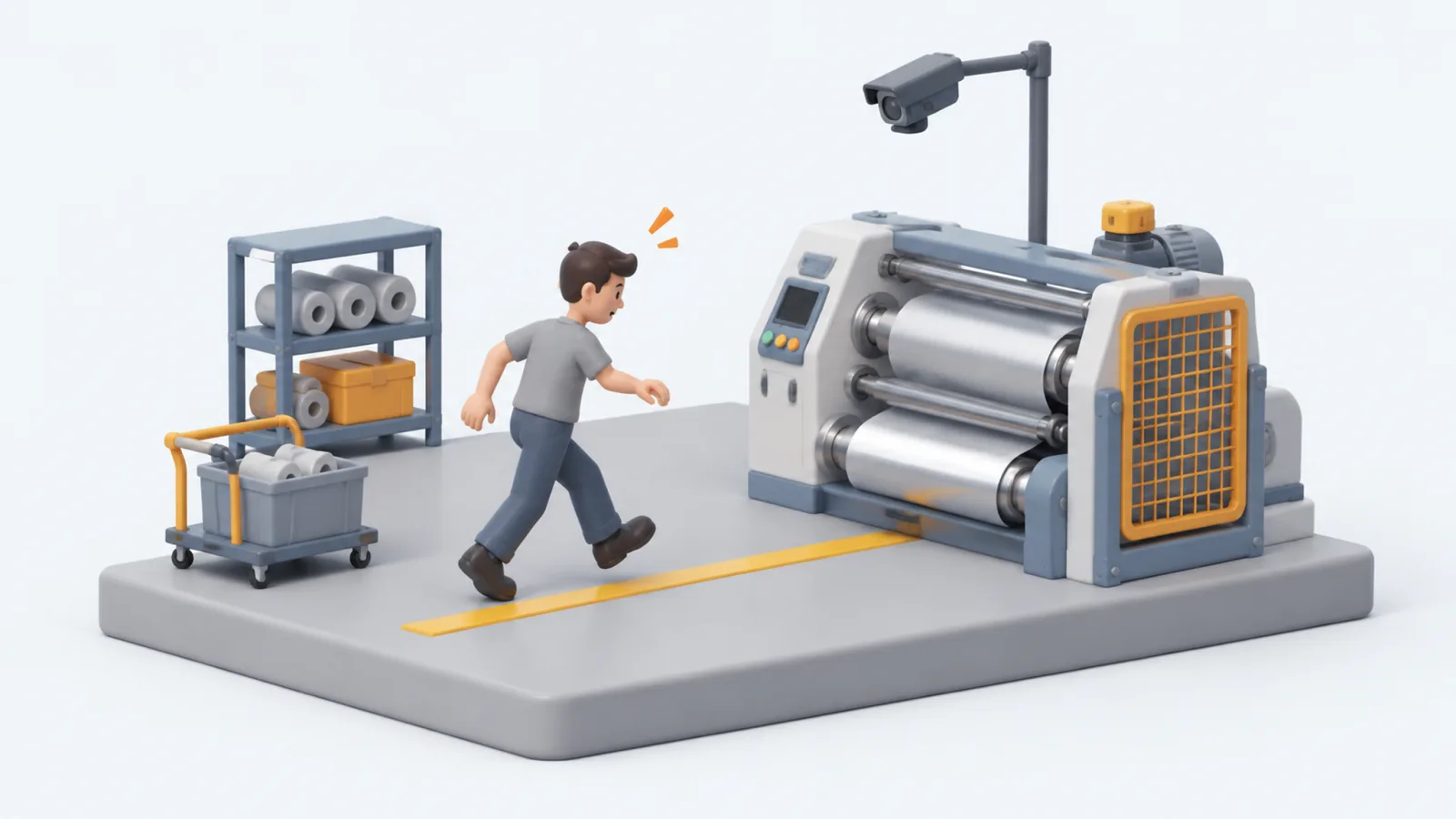
What happens when people stand near running machines?
A worker steps into a danger zone, with or without a helmet, and the machine keeps running.
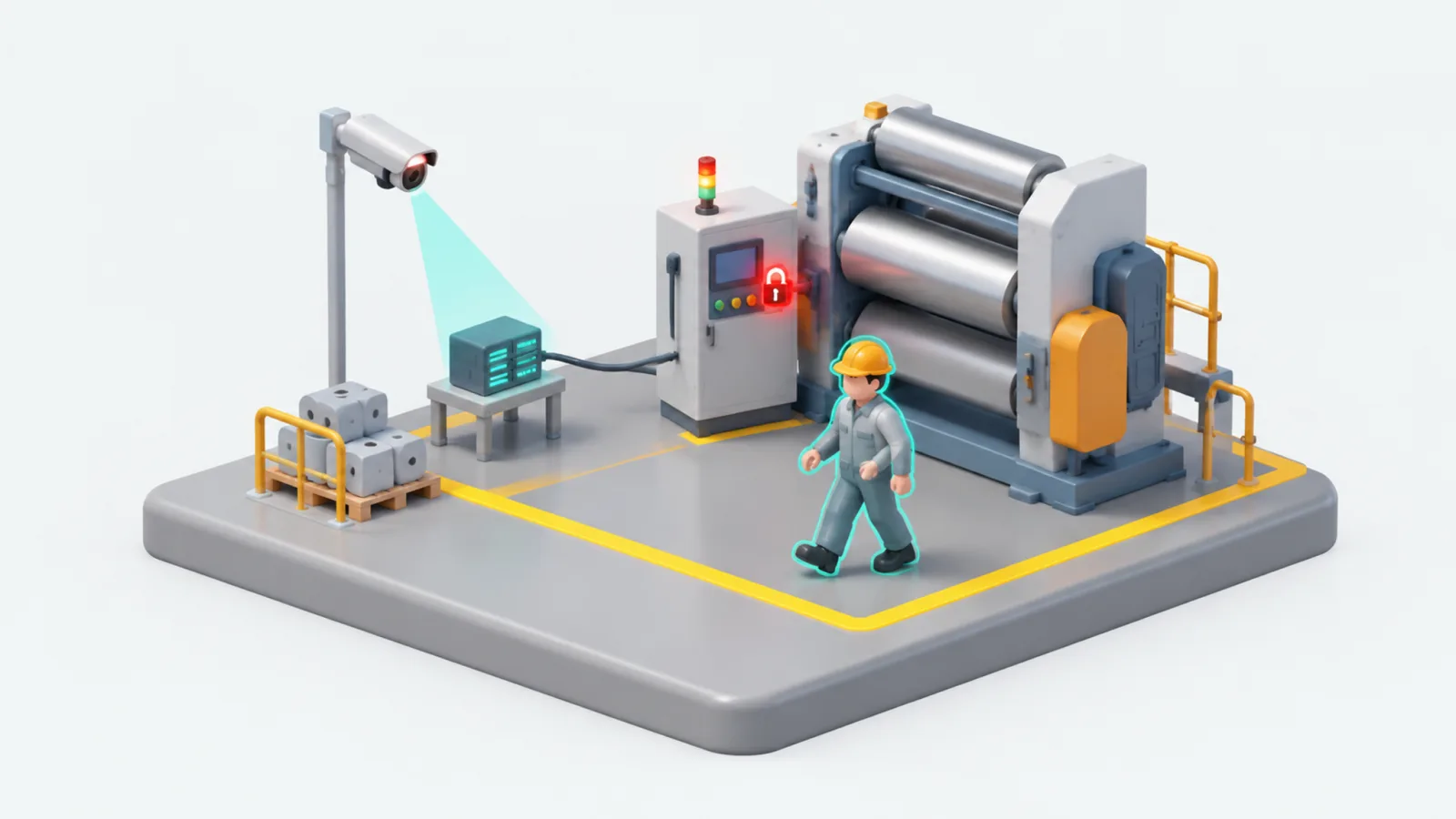
INDUSIA locks the machine for you
Ordinary IP cameras and one AI server see the person and lock the machine through its PLC.
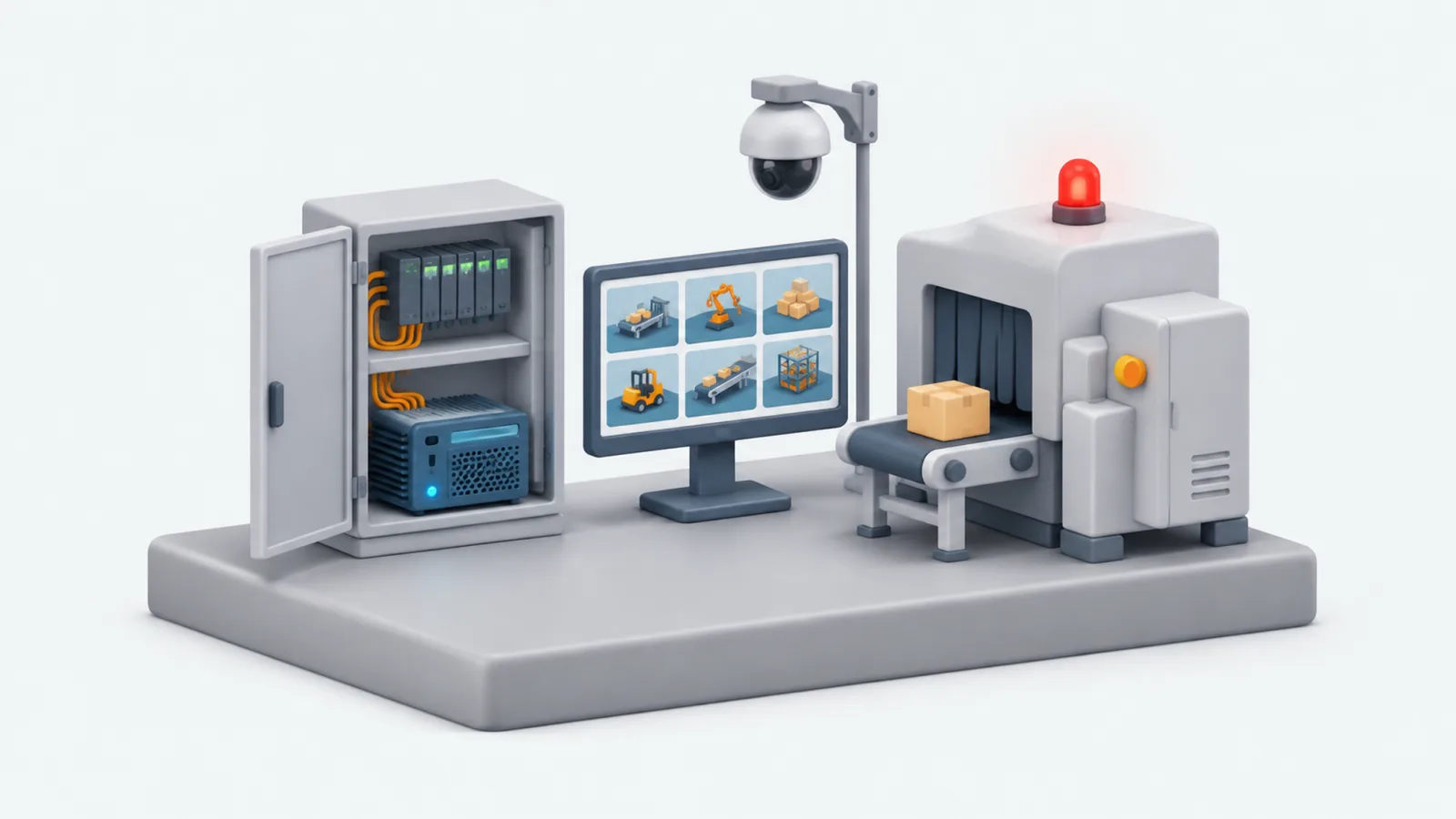
The safety interlock system
- Three signalsPerson, helmet or vest in the zone locks the machine.
- Fail-safeA lost signal keeps the machine locked.
- Photo logEvery violation is saved with a photo.
- On your siteNo cloud, and a manual bypass at the PLC.
How does a PPE detection camera lock a machine?
INDUSIA's PPE detection camera system reads ordinary IP cameras on one AI server. When it sees a person, a helmet or a vest in a marked danger zone, it sends a signal through a dry contact to the machine's PLC, and the machine is locked. Each violation is saved in a photo log.
Read more
The chain is simple: IP camera, central AI server, an I/O module, then a dry contact into the PLC. The software decides, and the PLC does the locking, so the machine's own control system stays in charge of stopping the machine.
A violation raises an alarm and writes a photo to the log, so the site has a record of what the camera saw.
Why does the system lock on a helmet or vest, not only on a person?
Because person detection alone can miss people who wear helmets. INDUSIA locks the machine if a person, a helmet or a vest is visible in the zone. Any one of the three signals is enough, which makes the system harder to fool than a detector that looks for a person shape only.
Read more
| Seen in the zone | Result |
|---|---|
| A person | Machine locked |
| A helmet | Machine locked |
| A vest | Machine locked |
| Nothing, and signal healthy | Machine free to run |
What happens when the camera, server or network fails?
The machine stays locked. INDUSIA's safety interlock is fail-safe: a lost signal is treated as danger, never as safe. The signal is checked every 2 seconds, so a dead camera, a stopped server or a cut cable cannot leave a machine running without anyone noticing.
Read more
The relay is wired so that power and a healthy signal mean safe, and the loss of either means locked. A watchdog watches the signal, and a fault always falls to the locked state.
The panel at the PLC keeps a manual bypass, so operators are not stuck if the system must be set aside deliberately.
| Event | Machine |
|---|---|
| Camera loses its signal | Locked |
| AI server stops | Locked |
| Network cable cut | Locked |
| Manual bypass used at the PLC panel | Runs, by deliberate choice |
What do ordinary IP cameras need to detect helmets and vests?
INDUSIA works with ordinary IP cameras, but they must be high resolution so that a helmet is clearly visible in the danger zone. The design calls for 8 MP cameras. One AI server reads all the cameras, so adding a danger zone means adding a camera, not a new computer.
Read more
Camera placement decides what the AI can see. We ask for sample recordings from the site early in a project, and use them to tune the system to your lighting, angles and zone shapes.
Eye protection such as safety glasses is outside the scope of the detection.
Who installs it, and where does the data stay?
INDUSIA provides the software and the hardware specification. Cameras, cabling and the connection to the PLC are installed on site. The video stays on your own site: there is no cloud service, and the photo log belongs to you. That keeps safety footage under your control.
Read more
The reference design is a dry-contact connection into the PLC. Because it is a dry contact, the machine controller does not need to be replaced, and the manual bypass stays on the existing panel.
Questions and answers
PPE detection camera that locks a machine
INDUSIA's safety interlock uses ordinary IP cameras to detect a person, helmet or vest in a danger zone, then locks the machine through its PLC. If the signal is lost, the machine stays locked.
Can ordinary IP cameras detect helmets and vests?
Yes. INDUSIA's safety system works with ordinary IP cameras, as long as they are high-resolution enough to show a helmet clearly. One AI server reads all the video.
What happens if the camera or network fails?
The machine stays locked. A lost signal is treated as danger, never as safe.
Why lock when a helmet or vest is seen, not only a person?
Simple person detection can miss someone who wears a helmet. The lock triggers if a person, a helmet or a vest is visible.
Where does the video stay?
On your own site. There is no cloud, and the panel at the PLC keeps a manual bypass.
Updated
Same platform, other sites
Talk to us about your site
Tell us what you inspect. We reply on WhatsApp.